
夏季更新
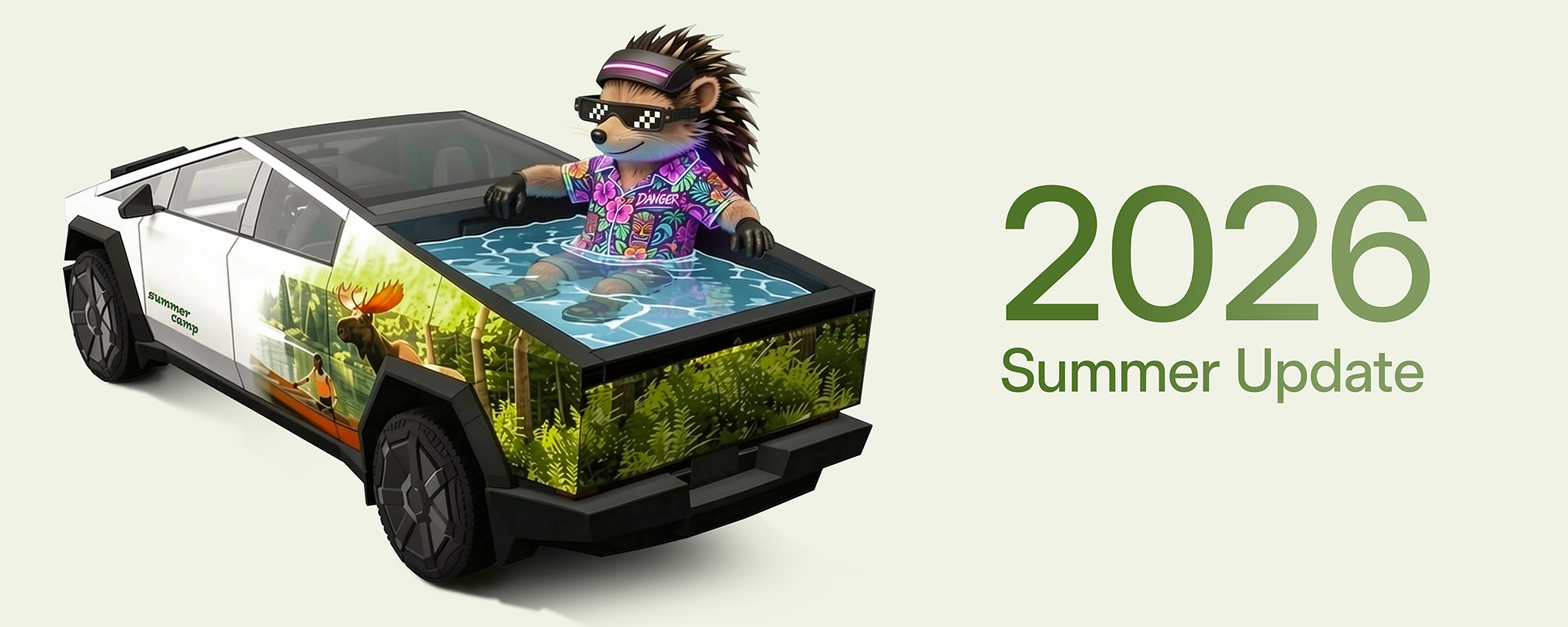
向上滑動,查看 2026 年夏季更新的新功能。
閱讀 Tesla 官方原文
Summer Update
Swipe up to see your new features in the 2026 Summer Update.
TESLA SOFTWARE UPDATE
官方回傳的內容有所差異,適用車型/硬體仍待確認;實際功能以你的車輛顯示為準。
夏季更新、Grok 語音指令、迎賓動畫、自訂車身彩繪、自動導航、攝影機預覽、Apple Music 播放佇列、行車視覺化、後座螢幕、網頁瀏覽器、超級充電站搜尋、安全性改善。
此卡片整理 2026.26.6 的功能,並非 2026.32.7 新增內容。
向上滑動,查看 2026 年夏季更新的新功能。
Summer Update
Swipe up to see your new features in the 2026 Summer Update.
Grok 現在可以撥打電話、播放音樂、調整空調,以及搜尋控制面板。你也可以詢問 Grok 有關 Tesla 的問題,或最新軟體更新包含哪些內容。 前往 Grok > 設定,可啟用或停用「Hey Grok」及依位置觸發的提醒。此功能需要進階車載娛樂服務或 Wi-Fi 連線。對話對 Tesla 而言是匿名的,不會與你的車輛關聯。
Grok Commands
Grok can now make phone calls, play music, adjust climate, and search the Controls panel. Ask Grok about your Tesla or what was included in the latest software update. Go to Grok > Settings to enable or disable "Hey Grok" and location-based reminders. Requires Premium Connectivity or a WiFi connection. Conversations are anonymous to Tesla and not associated with your vehicle.

Tesla 現在會在啟動時播放迎賓動畫。
Welcome Animation
Your Tesla now welcomes you with animations when turning on.
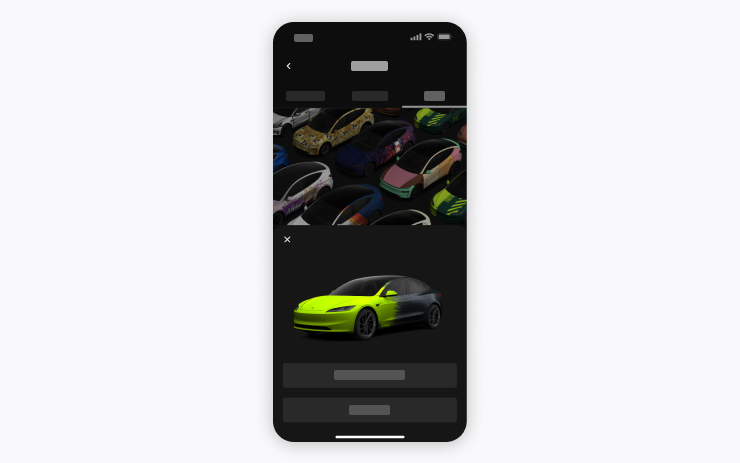
使用手機 App 上傳手機中的圖片,製作自訂車身彩繪,並直接傳送至 Tesla。前往 Creations > Wrap > Upload;需要手機 App 4.59.0 或更新版本。 在車內,前往應用程式啟動器 > 玩具箱 > 烤漆廠即可使用。
Custom Wraps
Use the Mobile App to upload custom wrap designs from images on your phone and send directly to your Tesla. Go to Creations > Wrap > Upload. Requires Mobile App v4.59.0 or later. To access in car, go to App Launcher > Toybox > Paint Shop.
自動導航現在會配合你的日常習慣。除了住家、公司與即將到來的行事曆活動,啟用目的地建議後,車輛也能建議並規劃路線前往你經常造訪的地點,例如上班途中先送孩子到學校。位置資料對 Tesla 而言是匿名的,不會與你的車輛關聯。
Automatic Navigation
Automatic Navigation now adapts to your routine. In addition to Home, Work, and upcoming calendar events, your vehicle can now suggest and route to the places you visit regularly, like a school drop-off on the way to work, when Destination Suggestions are enabled. Location data is anonymous to Tesla and not associated with your vehicle.
你現在可以隨時開啟攝影機預覽,即使 Tesla 未處於 P 檔也可以使用。 前往控制 > 維修 > 攝影機預覽,點選任一攝影機畫面即可單獨查看;點選格狀按鈕可切回所有攝影機畫面。
Camera Preview
You can now open Camera Preview at any time, even if your Tesla is not in Park. Go to Controls > Service > Camera Preview and tap on any camera view to see it individually. Tap the grid button to switch back to all cameras.

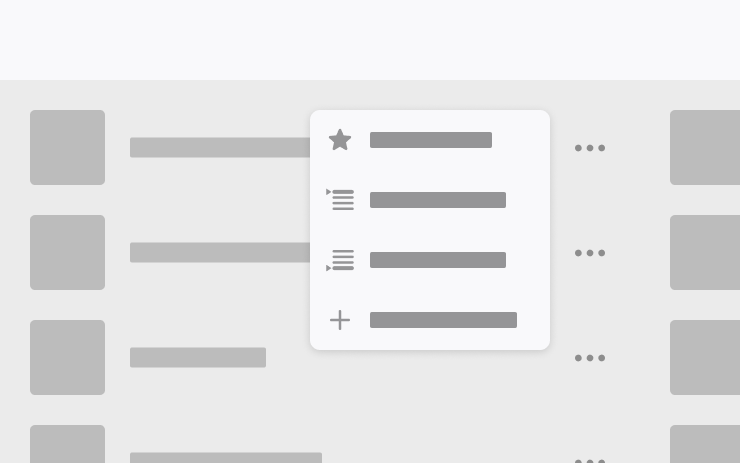
可直接從搜尋結果與藝人頁面,將歌曲加入 Apple Music 播放佇列。長按歌曲或點選三點選單,即可選擇接著播放、加入佇列、儲存至資料庫,或標記為喜愛項目。此功能需要有效的 Apple Music 訂閱。
Apple Music
Add songs to your Apple Music queue directly from Search results and Artist pages. Tap and hold a song, or tap the three-dot menu to play next, add to queue, save to your library, or mark as a favorite. Requires an active Apple Music subscription.
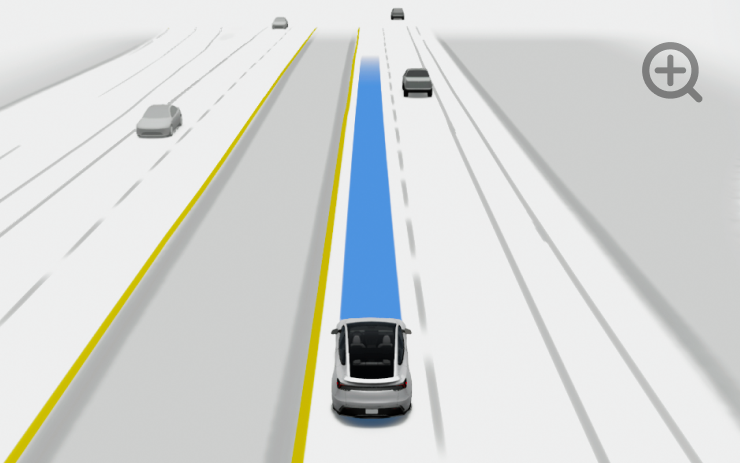
自訂自動駕駛視覺化的縮放偏好。可用雙指縮放視覺化畫面,或前往控制 > 自動駕駛 > 視覺化攝影機縮放,選擇預設選項。
Driving Visualization
Customize your Self-Driving zoom preference. Pinch the visualization or select one of the presets in Controls > Self-Driving > Visualization Camera Zoom.
前往應用程式啟動器 > 後座 > 鎖定後座螢幕,可從中央螢幕停用後座觸控操作。由中央螢幕選取的內容仍會繼續在後座螢幕播放。
Rear Display
Disable rear touchscreen controls from the center display by going to App Launcher > Rear > Lock Rear Display. Content selected from the center display will continue to play in the rear.

你現在可以在網頁瀏覽器中使用 Tesla 的車內攝影機與車內麥克風。網站要求存取權限時,可點選以授予權限;攝影機僅能在停車時使用。
Web Browser
You can now use your Tesla's interior camera and cabin microphone in Web Browser. Tap to grant permissions when a website requests access. Camera is only available while parked.
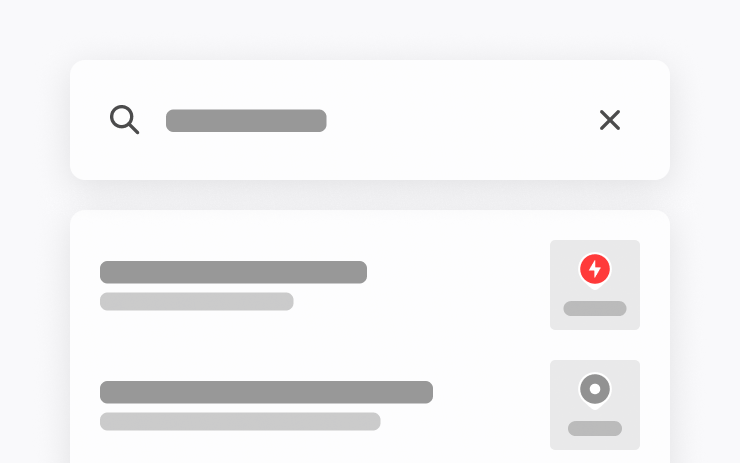
搜尋目的地時,現在可以用名稱尋找超級充電站。
Supercharger Search
You can now find Superchargers by name when searching for a destination.
本次更新包含重要的安全性修正與改善。
Security Improvements
This update includes important security fixes and improvements.